FAQ
Can Lossic see my music? Where does it go?
Your device talks to Google Drive directly — there is no Lossic server, so nothing ever passes through us. Music you rip or import is uploaded straight from your device to your own Drive.
Can Lossic access everything in my Google Drive?
No — and it couldn't even if it wanted to. Lossic uses Google's most limited permission, drive.file: it can only see files that Lossic itself created or imported. Everything outside that is invisible to the app — Google enforces this at the API level, it is not a promise we make. One practical consequence: FLAC/ALAC files you already keep in Drive must be brought in through the Import feature. Copying them into the Lossic folder in Drive's web UI won't work — visibility follows who created the file, not which folder it sits in.
Do you support iCloud?
As an import source — yes, today: the import picker shows iCloud Drive alongside Google Drive, and anything you pick is uploaded into your Lossic space. As a storage backend — not yet, and there is an honest technical reason: iCloud offers third-party apps no partial-read streaming interface, so playing a cloud-only file would mean downloading it whole before it makes a sound. Google Drive's HTTP interface is what makes Lossic's instant start (~0.2s), smart caching and cellular data budgets possible. An iCloud backend may come later as a convenience option, clearly labelled as sync-then-play.
Do you support DSD?
Not for playback — and that's Apple, not us: iOS has no DSD decoder, and the iPhone's hardware can't play the 1-bit stream natively. Apps that claim DSD support convert it to PCM on the fly, which sits badly with a product built on bit-honesty. If you have a DSD collection, convert it once to 24-bit ALAC or FLAC with a desktop tool and import that — a well-done DSD64 → 24/176.4 conversion is transparent, and we'd rather you do it once, knowingly, than have us do it silently on every play. Hi-res PCM (24/96, 24/192) plays natively and shows its true badge.
Which formats does it play?
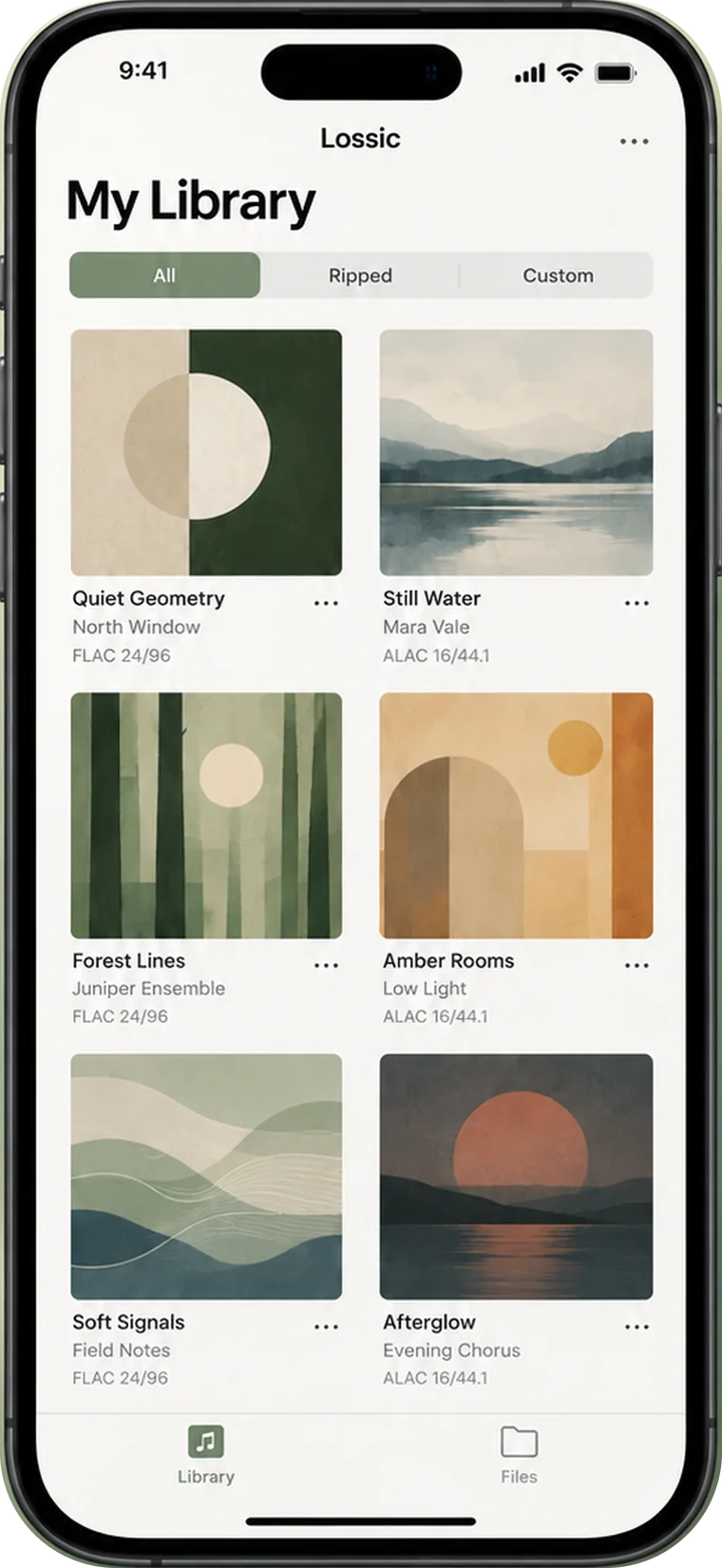
ALAC and FLAC as first-class citizens, plus AAC and MP3. High-resolution files play with their format shown on the face of the player.
Does streaming re-encode my files?
Never. Lossic streams the original bytes of your file with HTTP range requests and does not transcode them on the way.
How fast is “instant”?
A queued album track typically starts in about 0.2 seconds; a cold tap on a new file usually starts under a second on Wi-Fi. These are measured numbers from real devices, and staying honest about them is the whole product.
Why Google Drive?
Because you already pay for the storage. Lossic adds the part that was missing: a player that treats your Drive like a local music library.
I'm ripping a CD and Lossic can't find the cover. What do I do?
Point it at the exact release on Discogs. Search for your CD on discogs.com, open its release page, and paste the address into the “Paste a Discogs release URL or ID” field in the rip window. Either the full URL, e.g. https://www.discogs.com/release/12727624-…, or just the number 12727624 works — Lossic fetches that release's cover and tags. Automatic lookup is deliberately strict (a blank cover is better than the wrong one, which would be burned into every track), so this is the intended way to resolve an obscure or regional pressing.
How does the story feature work?
Swipe right from Now Playing and Lossic asks an AI to introduce the performer and the piece, using the track's embedded tags — and, with Gemini, the album cover — as context. Three suggested follow-up questions are one tap away, or open Ask More for a conversation about what's playing.
Do I need an AI subscription? What about my privacy?
You bring your own API key — Gemini, OpenCode Zen or OpenRouter. It's stored in the iOS Keychain and the app calls the provider directly; there is still no Lossic server in the loop. With Gemini you can opt in to Google Search grounding for fresher answers. No key? The player works exactly the same — the story layer is simply off.
Can the AI get things wrong?
Yes. The introductions are generated text and may contain mistakes — treat them as a knowledgeable friend's take, not a reference work. The playback numbers, by contrast, are measured.
How do I get it? What does it cost?
Lossic is on the App Store now, for iPhone and Mac — one download record, one subscription that unlocks both. Every new install starts with a 30-day full-feature trial: no card, no paywall until the trial ends. After that it's US$2.99 a month or US$29.99 a year.